

Compliance That Fits Oracle Users
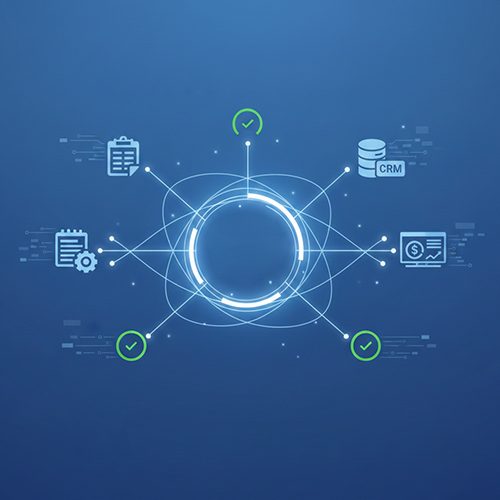
How Oracle ERP Data Moves Through Advintek South Korea
- Invoice Record Intake: Receive selected Oracle invoice information and transaction references for South Korea electronic tax invoice preparation.
- Partner Detail Validation: Check customer and supplier identification information against configured invoice fields before document generation.
- Tax Field Mapping: Map taxable values, VAT amounts, invoice dates, and related attributes into configured Korean tax invoice structures.
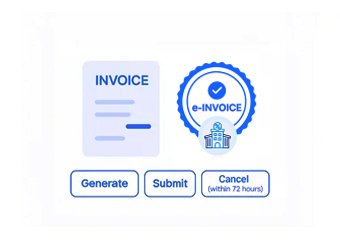
- Document Generation: Convert approved Oracle transaction information into structured electronic invoice data for configured processing channels.
- NTS Transmission Handling: Support configured transmission workflows and link processing responses with Oracle records for review, reconciliation, and financial follow-up.
What Oracle ERP Invoice Information Advintek Processes
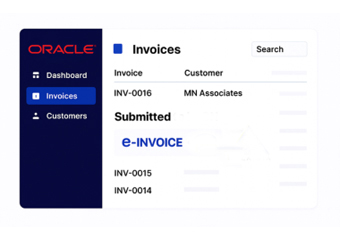
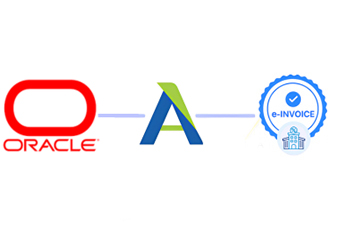
Advintek adds an e-invoicing layer around Oracle ERP, moving selected customer, supplier, tax, transaction, and accounting data into South Korea electronic tax invoice workflows while retaining links to source Oracle records.
- Connect Oracle invoices with Advintek workflows
- Map Korean tax fields across transactions
- Associate customer registration details with invoices
- Track document responses against Oracle records
Why Oracle ERP Teams Use Advintek in South Korea
- Financial Data Mapping: Translate relevant Oracle financial fields into configured South Korean electronic tax invoice structures.
- Tax Invoice Validation: Check customer, supplier, tax, amount, date, and configured invoice fields before electronic processing.
- NTS Response Tracking: Maintain processing responses and document statuses alongside originating Oracle invoice references for finance team review and reconciliation.
- Accounts Receivable Coordination: Connect receivable transactions with electronic invoice preparation and downstream reconciliation activities.
- Supplier Transaction Support: Carry supplier and purchasing information into workflows where invoice configuration requires procurement context.
- Correction Handling: Support review workflows for invoice exceptions, rejected documents, and information requiring correction and follow-up while preserving source references for finance review, reconciliation, exception handling, and ongoing accounting record maintenance across configured workflows.
South Korea Tools for Oracle ERP
Korean Invoice Monitor
Track invoice preparation stages, document references, tax details, and processing statuses for finance teams.
NTS Response Register
Record applicable NTS responses against related electronic invoices and Oracle transaction references for review.
Invoice Reconciliation Workspace
Compare Oracle invoice records with processed electronic tax documents during financial review and reconciliation.
Oracle ERP E-Invoicing Support Across South Korea
Advintek connects Oracle ERP with South Korea e-invoice workflows, supporting invoice preparation, VAT mapping, partner identification, electronic processing, NTS-related transmission, and response tracking.
- Support Oracle Financial Operations Across South Korea
- Map Korean VAT Data Into Tax Invoices
- Link Customer Details With Invoice Records
- Track NTS Processing Alongside Oracle Transactions
Simplify South Korea Tax Invoice Workflows
Connect Oracle invoice data with South Korea electronic tax invoice workflows through Advintek for processing.
Oracle ERP linked. South Korea e-invoice workflows via Advintek.
Ready e-Invoice System
Frequently Asked Questions Oracle E-Invoicing South Korea
What does e-invoice software add to Oracle ERP in South Korea?
E-invoice software adds structured electronic tax invoice preparation, field mapping, validation, transmission handling, and response tracking around Oracle ERP transactions. Advintek can connect relevant customer, supplier, invoice, VAT, accounting, and transaction information with configured South Korean workflows while retaining references to the originating Oracle records. This allows finance teams to continue using Oracle for core financial activities.
How does Oracle ERP connect with South Korea electronic tax invoicing?
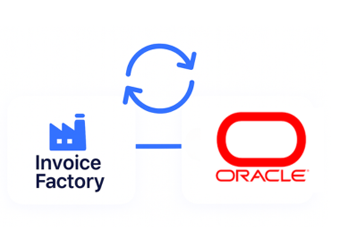
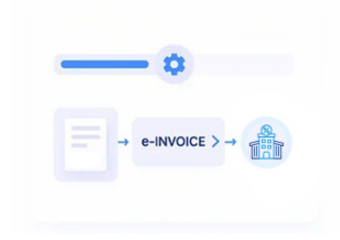
Advintek places a configured electronic invoicing layer between Oracle ERP transaction data and South Korean tax invoice processing workflows. Selected invoice, customer, supplier, tax, amount, date, and accounting fields can be mapped into the required electronic document structure. The resulting processing information and applicable responses can then remain associated with the originating Oracle transaction.
Which Oracle ERP records can support South Korea electronic tax invoices?
Depending on the implementation, relevant Oracle records can include accounts receivable invoices, customer information, supplier details, tax attributes, taxable amounts, VAT values, invoice dates, payment information, legal entities, and transaction references. Advintek maps selected fields according to business requirements so electronic tax documents retain relationships with the Oracle records from which the invoice information originated.
Can Oracle ERP retain existing financial processes after integration?
Yes. Oracle ERP can remain the primary system for accounts receivable, customer management, accounting, transaction processing, and related financial activities. Advintek can receive selected information from configured Oracle workflows for South Korean electronic tax invoice processing. This approach keeps the originating ERP records connected to the electronic document lifecycle without requiring finance teams to replace their established Oracle processes.
How can Oracle ERP users prepare for South Korea e-invoicing requirements?
Organisations can review Oracle invoice data, customer and supplier identification, VAT information, transaction dates, legal entity details, and transmission workflows before connecting an electronic tax invoice process. South Korean electronic tax invoice rules require applicable invoices to be issued electronically and relevant issuance information to be transmitted to the NTS. Advintek can configure the connection around the required data and workflow structure.